Video Interview for Graduate Jobs: One-Way Format & Tips

Rolling Video interviews are sent by the employer after you apply, so there is no fixed date. Check your invitation email for the deadline.
27 October 2026
A one-way video interview means you record answers to on-screen questions in your own time instead of talking to a person. Many UK graduate employers use it as an early filter, often straight after the application form or online tests. This guide covers the format, the setup and a simple way to shape each answer, using the platform’s own candidate tips as the source. If you are also facing tests, read our graduate online tests guide alongside it.
Video interview for graduate jobs at a glance
| Question | Answer |
|---|---|
| Format | Pre-recorded answers to on-screen questions |
| Device | Phone, tablet or computer, depending on the invitation |
| Practice | A practice question is offered before the real one |
| Who watches | The employer, later, not live |
| Deadline | Set in your invitation, not by the platform |
Each employer sets its own question count and time limits. Your invitation email is the only rule that counts.
What the platform itself tells candidates
| Practice | You can answer a practice question first. | Official |
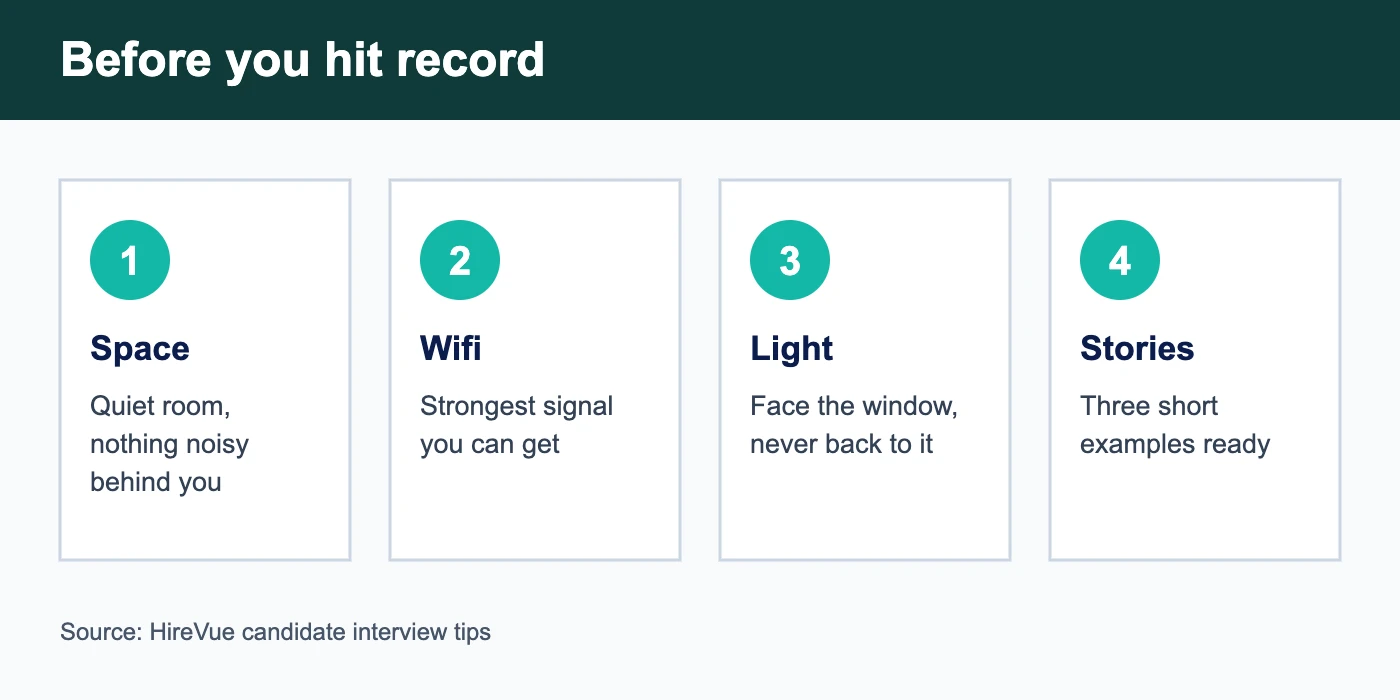
| Setting | Pick a quiet spot with the strongest wifi you can. | Official |
| Lighting | Light should be in front of you, not behind. | Official |
| Eye contact | Do not worry about looking at the camera. | Official |
| Preparation | Write brief stories about challenges, actions and results. | Official |
Source: HireVue candidate interview tips, checked 27 October 2026. Employer-specific rules (time per answer, retakes) are not published there.
How to shape a one-minute answer
Answers on demand are short, so shape beats detail. Start with the point in one sentence, give one real example with your own role in it, and end with the result. Say it out loud three times before you record anything; written answers read badly when spoken.
Build three stories, not twenty answers
The platform suggests preparing brief stories about challenges you faced, what you did and what came of it. Pick a team project, a setback and something you led. Most questions can be answered with one of the three. Keep notes beside the screen, but do not read a script.
What to check on the day
Test the camera and microphone, close other apps, and charge the device. Sit with a plain background and the light in front of you. If your invitation allows a break between questions, use it to reset rather than rush.
Where video interviews sit in the process
They usually come after the application and tests and before an assessment centre. For one worked example of a full process, see the Bank of England stages or the PwC assessment centre guide.
From invitation to submission
1. Invitation
You receive a link by email after applying. Read the deadline and any time limit before you open it.
2. Practice
Use the practice question to check sound, picture and how long a minute feels.
3. Record
Answer each question within the time shown. Breathe, then start with your main point.
4. Submit
The employer reviews your recording later. You will hear about next steps from them.
Checklist
0 of 5 done
Where to go next
Next steps: the online tests guide, the deadline calendar and the graduate scheme hub.
Video interview FAQ
Can I re-record an answer?
It depends on the employer. Read the instructions in your invitation before you start.
Do I need to look at the camera?
The platform says not to worry about eye contact; just be natural.
Is a practice question included?
Yes, the platform says you get the chance to do a practice question first.
What should I wear?
Dress as you would for a normal interview; the platform treats it like any other interview.